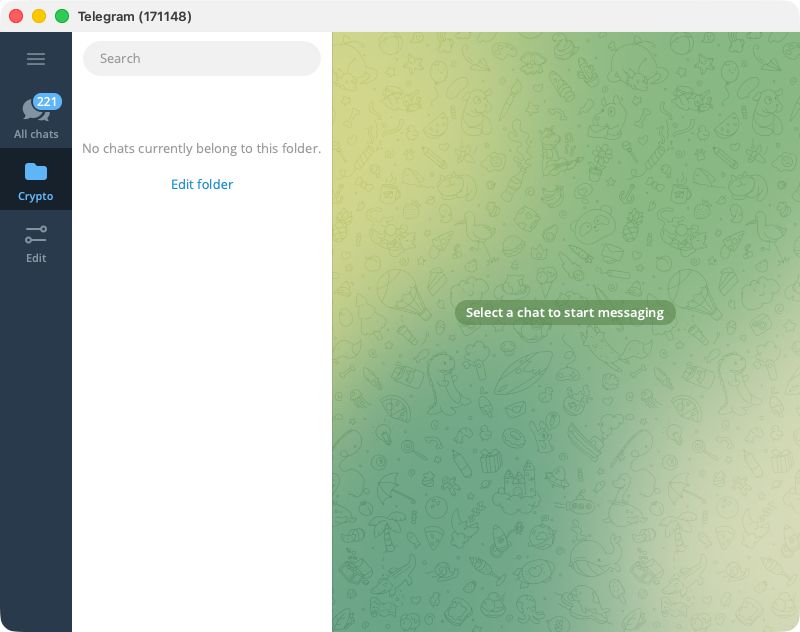
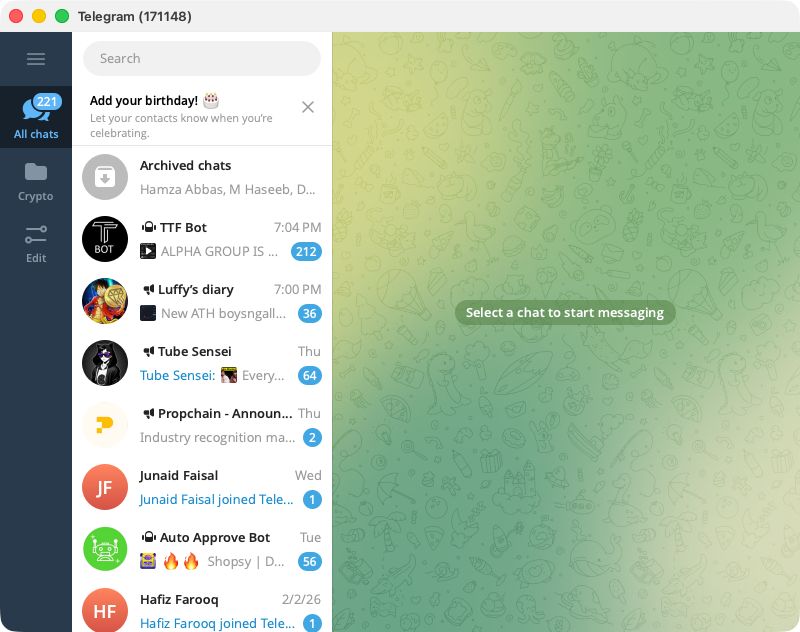
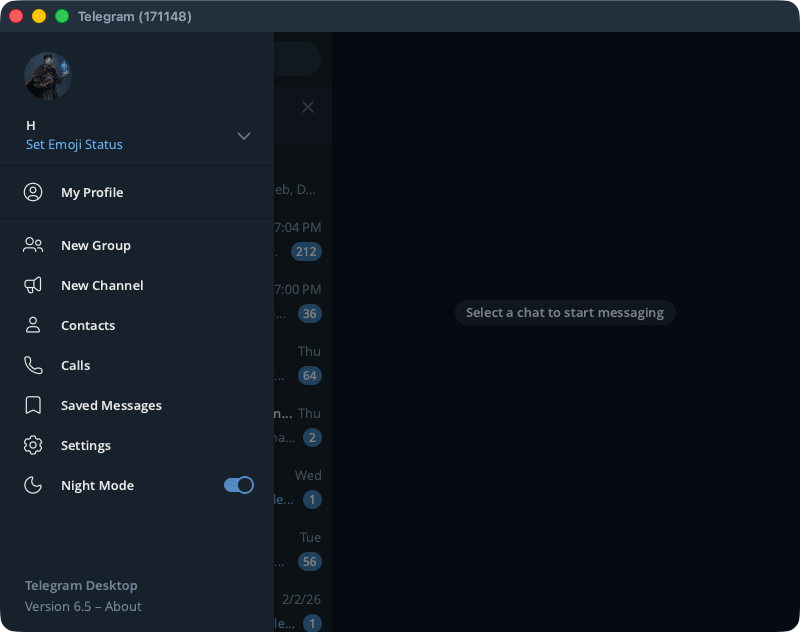
Telegram is one of the most popular and established messaging platforms available. Developed with the idea of being a secure cloud-based messenger app, it later added end-to-end encryption between voice and video calls. While it maintains the familiar layout of its mobile counterparts, this specific macOS app is built natively to feel perfectly at home on Apple's desktop. And yes, it is all synchronized across devices, wherever you are logged in with the same account.
The main focus of Telegram is privacy. There have been multiple instances where governments have demanded user data, and the company previously refused and kept everything private; however, following policy updates in late 2024, Telegram now shares user IP addresses and phone numbers with authorities in response to valid legal requests. With more than 1 billion active monthly users, Telegram truly brings a massive community. The app on macOS delivers an optimized experience for personal messaging, group communication, media sharing, and community interaction.
Messaging, media, and organization tools
Telegram’s core functionality is its messaging, which includes a vast array of features and accessibility options. Users can send texts, voice notes, photos, videos, links, and files of up to 2GB (this extends to 4GB with Telegram Premium). Because of this generous cap, the platform is heavily used for exchanging large media projects, high-resolution assets, and extensive data archives. Group chats can be massive, and channel broadcasts allow one-to-many communication without overwhelming participants.
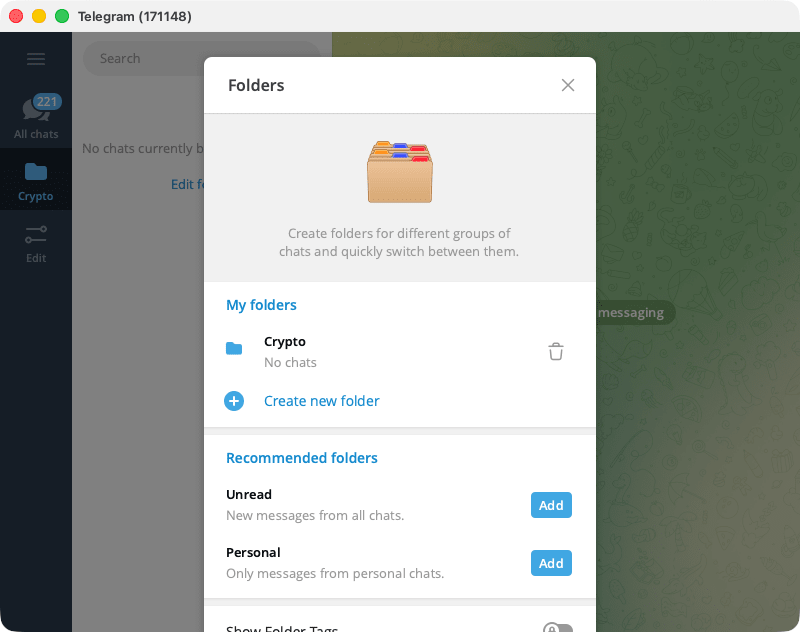
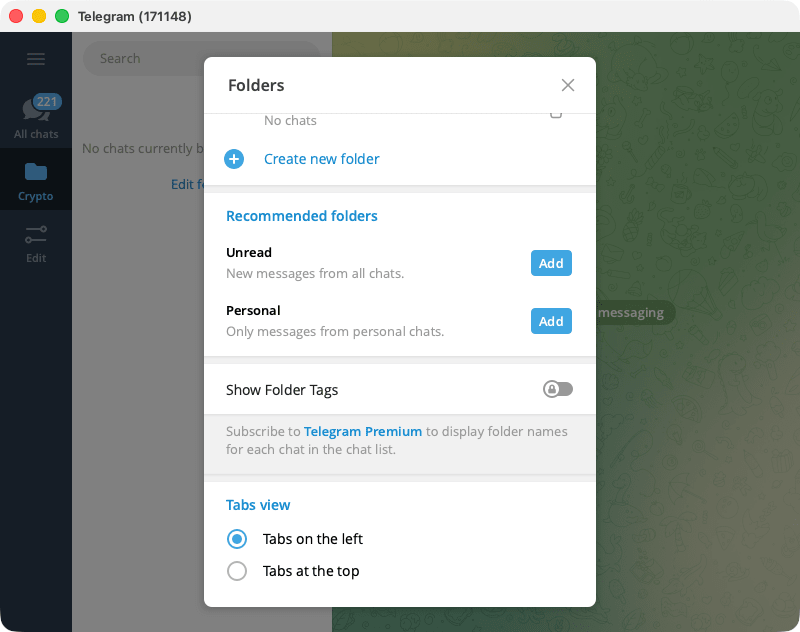
The Mac app offers cloud-based synchronization, editing, deleting, pinning of messages, and chat folders. It also offers self-destructing messages and secret chats with end-to-end encryption for people who prefer extra privacy. The messaging interface includes native support for stickers, emojis, and GIFs.Privacy, security, and customization
The primary goal often talked about by the founder and CEO of Telegram, Pavel Durov, is privacy. The secure cloud storage keeps your data synchronized without storing it on your local drive unless you choose to save it. Secret chats are available for users who want end-to-end encrypted conversations. Regular chats use client-server encryption, which still protects data from third-party access and supports rapid syncing.
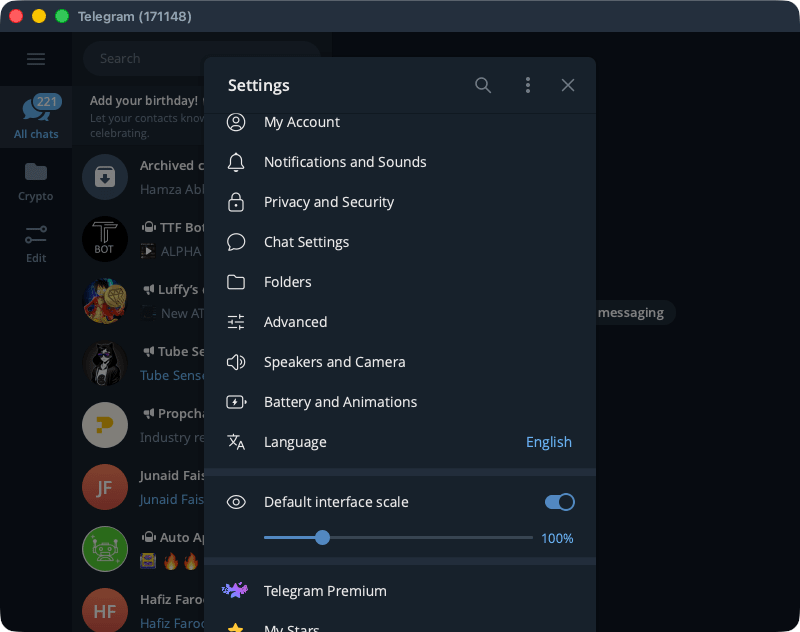
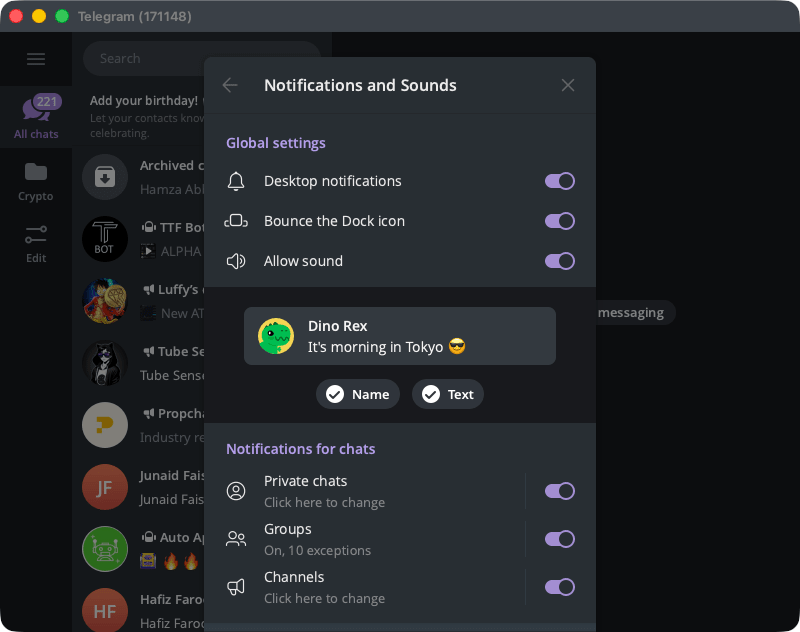
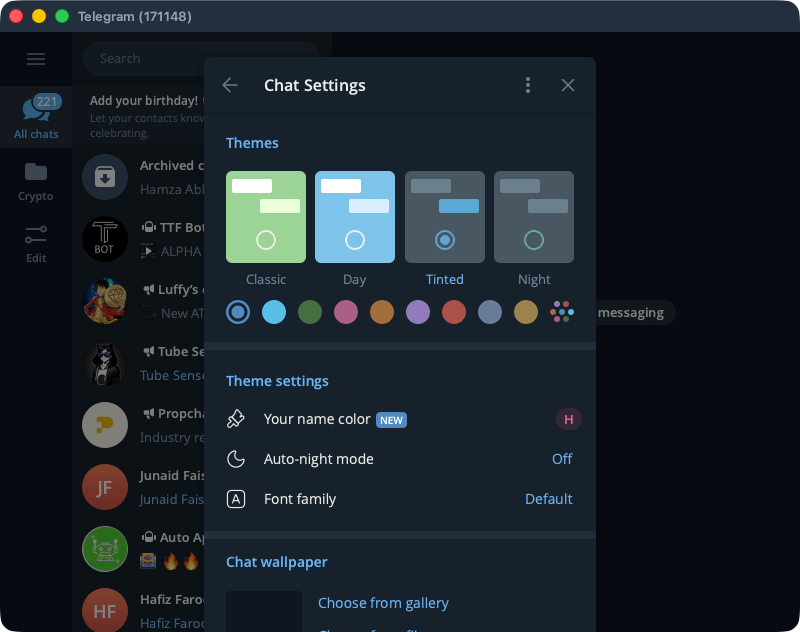
In terms of customization, the application offers quite a few options, including adjustable notifications, themes, fonts, and privacy controls such as last-seen or profile picture visibility. You also get access to plenty of bots and automations that can enhance the app’s flexibility even further by integrating reminders, utilities, or content feeds right into your messaging environment.A privacy-focused messaging suite for Mac
Telegram for Mac is a free and complete messaging platform that offers privacy, speed, and scalability in a single application. It provides peace of mind through powerful media support, synchronized chats, and extensive community tools that you can utilize for both personal and professional use.