Instant messaging is primarily a mobile-based feature, and almost everyone uses at least one app on their smartphone to connect with friends. However, it's important to be able to stay in touch with those same people when using your PC. Telegram knows this, so let's check out their desktop client!
Speed, security, and cross-device sync
Telegram is an instant messaging app focused on simplicity, speed, and security. Its client is open-source and updated by the community. It's available on almost all platforms, but we'll focus on the desktop app in this review. Messages sync instantly, allowing you to quickly switch between devices and pick up the same conversation.Clean interface and massive groups
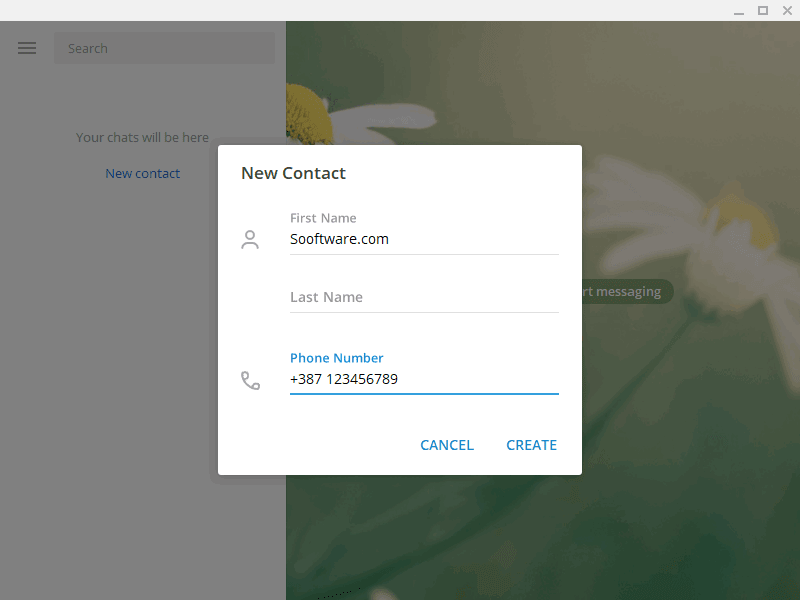
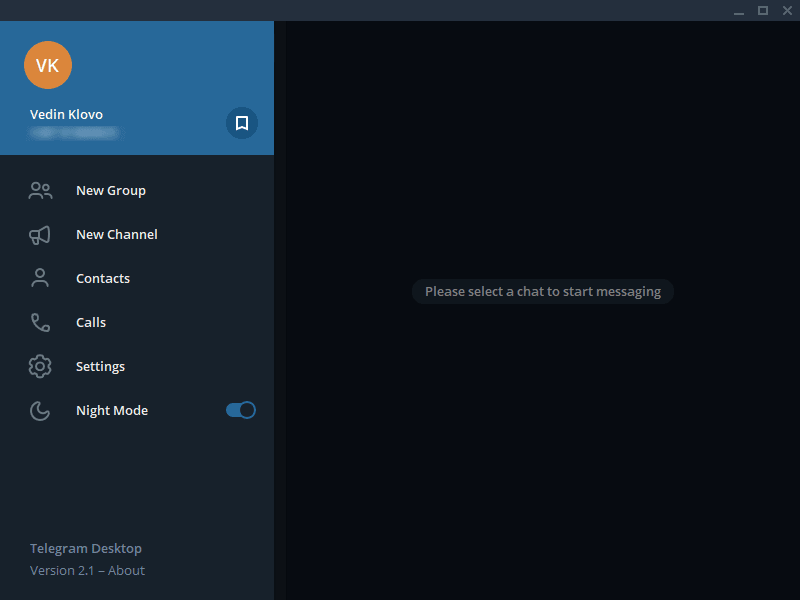
The Telegram desktop app keeps a very simple and elegant user interface. The left side is reserved for your conversations, and the remainder of the window is occupied by the currently open chat. Clicking the menu button gives you access to more features. You can switch between regular and night mode. Contacts can be added via their phone number. You can then create groups with your contacts (up to 200,000 members) or create a channel where you can post various announcements and updates that everyone will receive. The difference between these two is the level of engagement: everyone in the group is equal, and you create channels to share your content with others.Media sharing and expressive elements
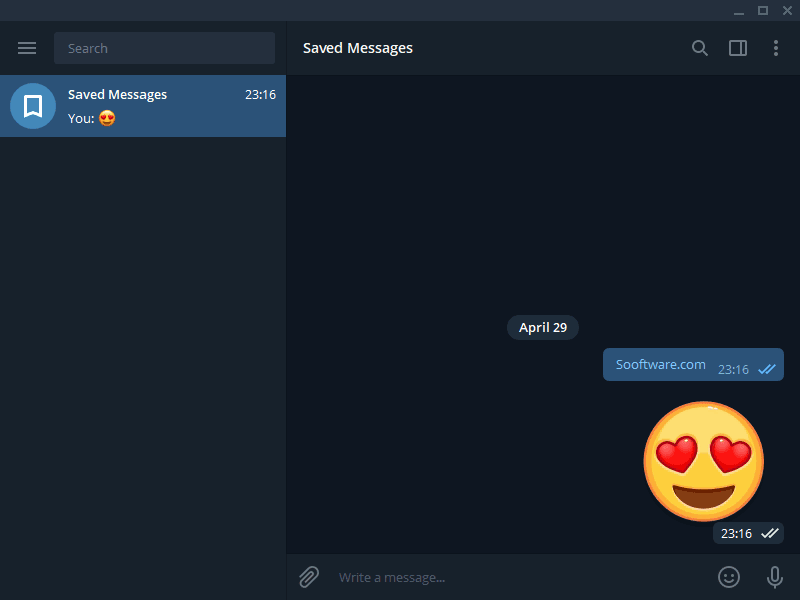
The desktop version of Telegram allows you to share any file on your computer via chat, record a voice message, or send unique emojis, stickers, and GIFs. Even some emojis are animated, and we just love them. A simple click on the button at the top-right corner of a chat opens all media you've shared with the user, including files, photos, and even links!Extensive customization options
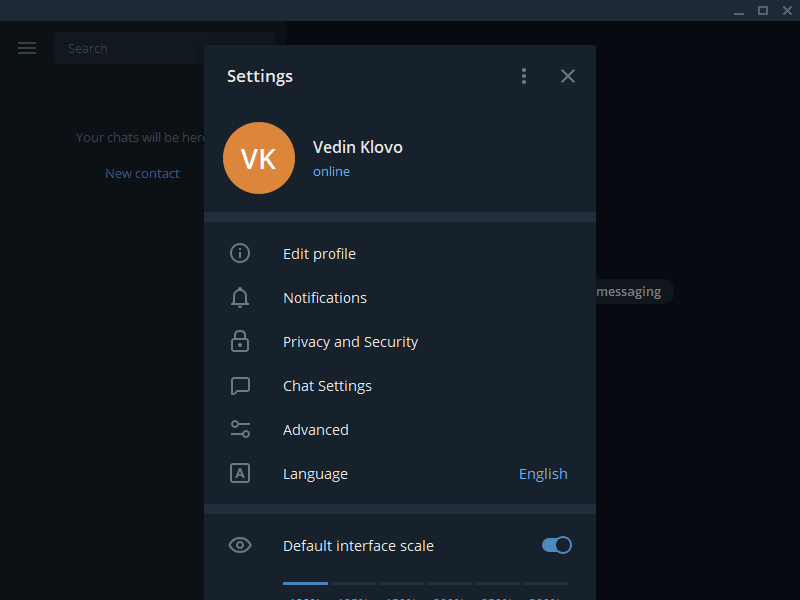
When you open Telegram settings, you'll be amazed at just how much you can customize! For example, Notifications settings allow you to fully configure what the notification will look like, what it will contain (sender's name, preview), whether it will play a sound, and whether muted chats display as unread. You can even set the exact location where the notification will appear. You can also customize the chat's appearance, set a background, and even set up how your emojis will appear! You can easily set up what media you'd like to save locally, where you want to store it, and set a size limit for all incoming files. Data older than the time frame you specify can also be deleted!Security features and privacy concerns
Telegram takes privacy and security seriously. You can easily manage just who can see any part of your profile. You can add a local password to the desktop client, enable two-step verification, and filter sensitive content. Your account can also be deleted if you don't access any Telegram app during the time frame you specify. There has been some debate about just how secure Telegram is. It was used by Hong Kong protesters and even some terrorist organizations because of its security and support for large groups. However, researchers point out that standard cloud chats lack default end-to-end encryption, and its custom proprietary protocols haven't been as widely audited as those of some competitors.A highly customizable messaging client
It's amazing to have so many options that are still easy to understand and configure to your liking. Telegram was launched in 2013 as a sign of protest against censorship and privacy issues, and it remains a strong competitor in the instant messaging market.